Live air quality
See real-time PM2.5 readings from the purifier's built-in sensor, room by room.
 Same Day US Shipping

See your indoor air quality live, get alerts when it changes, and control every TrustedAir TruFlow Air Purifier in your home from one app.


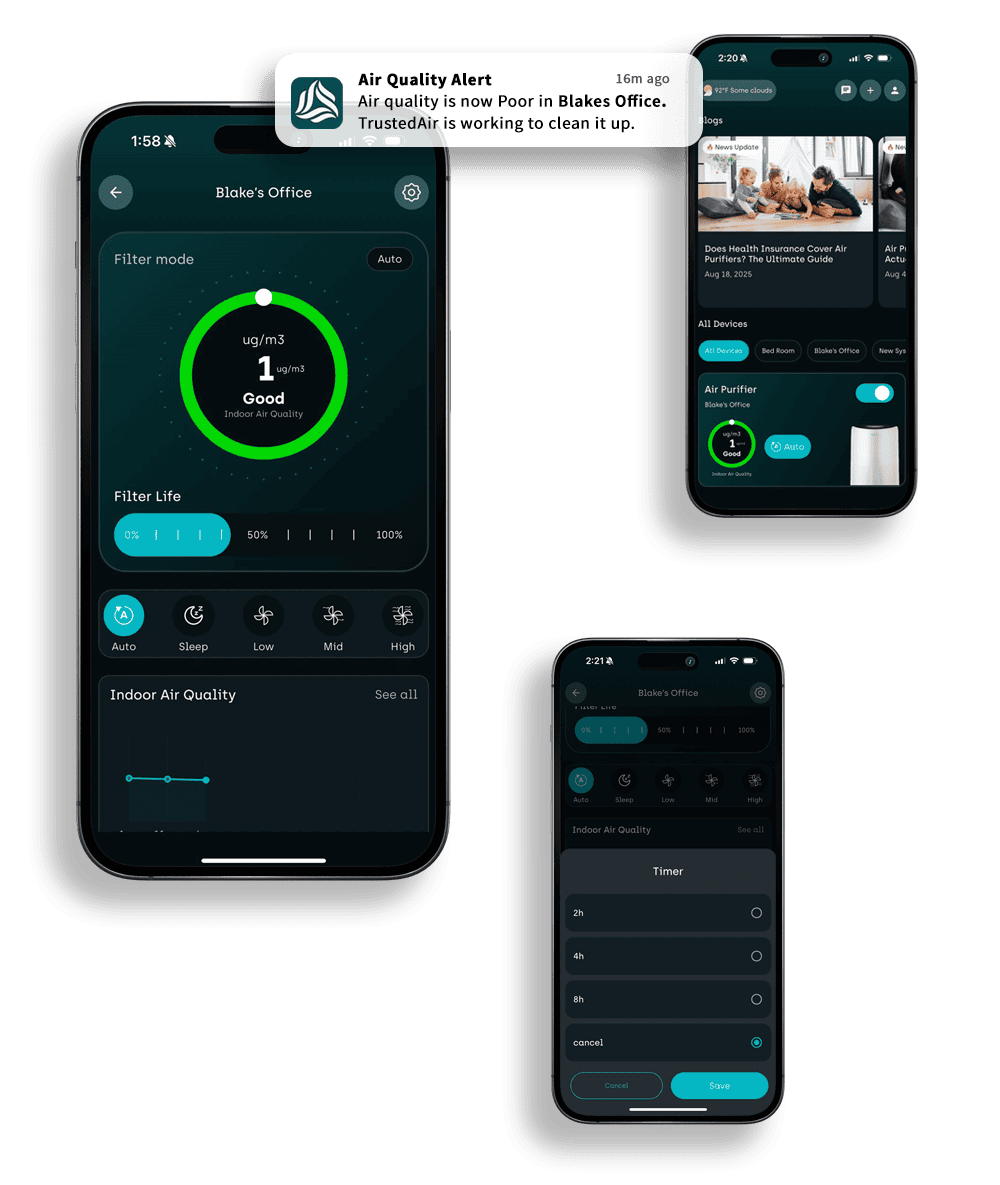
See real-time PM2.5 readings from the purifier's built-in sensor, room by room.
The purifier adjusts its fan speed on its own as air quality changes.
Watch how your air improves over hours, days and weeks.
Get notified when air quality drops or it's time for a new filter.
Set start and end times, or a timer, so it runs when you need it.
Know exactly how much life your filter has left. No guessing.
Add every purifier in your home and switch between rooms in a tap.
Pair with Alexa or Google Home and control it hands-free.
The TrustedAir app doesn't collect your personal data or share it with third parties. See the privacy details on the App Store and Google Play.
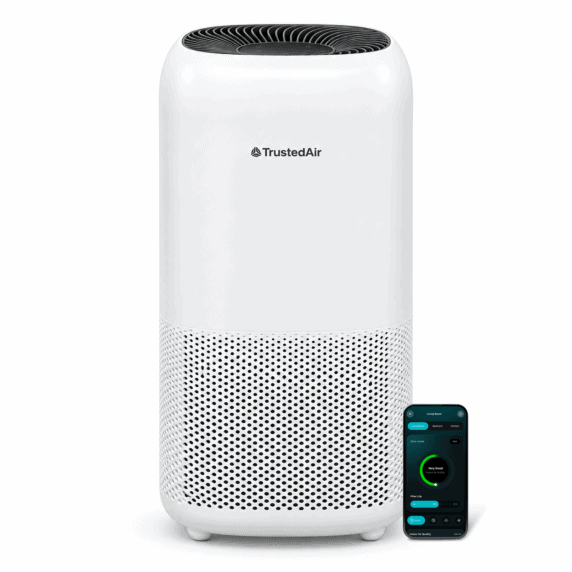
The app is built for the TrustedAir TruFlow. Smart HEPA purification that watches your air and adjusts on its own.
Yes. The app is free on the App Store and Google Play, with no subscription required.
iPhone and iPad running iOS 14 or later, and Android phones through Google Play.
Yes. Once your purifier is set up in the TrustedAir app, you can link it to Alexa or Google Home for voice control.
Yes. Add every TrustedAir purifier in your home to one account and switch between rooms in the app.
No. The purifier works on its own with its built-in controls and auto mode. The app adds live readings, alerts, schedules and remote control.
Update to the latest app version, connect your phone to 2.4 GHz Wi-Fi, allow location access, and keep your phone near the purifier. Still stuck? Call (877) 869-1507 and we'll walk you through it.
Free on iPhone, iPad and Android.